Learning how to set up PayPay in Japan comes down to one SMS code and a password. Unlocking the full account is a separate step, and it can take up to about 10 days when you verify with photos.
A phone-number-only PayPay account works at the register, but it runs with the handbrake on. Bank top-ups and higher payment limits stay restricted until identity verification, called eKYC, clears.
This guide is for foreign residents in their first month in Japan who hold a residence card and a Japanese SIM, but no Japanese credit card yet.
How Do You Set Up PayPay as a Foreigner in Japan?
PayPay registration requires a Japanese phone number that receives SMS codes, plus a smartphone on an updated iOS or Android version. Download the app, enter the number, type the code, and set a password.
Data-only SIMs are the first trap. PayPay verifies the account by text message, so a plan without SMS stalls at screen one, and fixing it means a trip back to the phone shop.

What PayPay asks for on the first screens
After installing, PayPay requests camera access, since every payment runs on QR codes and barcodes. Tap 新規登録 (New Registration), enter your number, and wait for the SMS.
Once the code goes through, the app asks for a password and offers biometric login. Turn biometrics on now. Future you, standing in a crowded konbini line, will be grateful.
How to switch PayPay to English
PayPay's English mode sits under Settings (設定) > Language (言語) > English. It arrived with version 2.36.0 and covers core tasks like payments and bank linking.
Some screens still lean Japanese, including the ATM interface you'll meet during cash top-ups. A translation app's camera mode handles those moments fine.
Should You Verify Your Identity on PayPay Right Away?
Yes. I'd start eKYC the same day you register, because PayPay's own notice puts photo-based review at up to about 10 days.
PayPay eKYC is an in-app identity check that lifts restrictions on bank top-ups and payment limits. Unverified users also wait longer for help if fraud ever hits the account.
Is a PayPay account without eKYC good enough?
A phone number alone covers coffee runs, so parking verification for later feels harmless. I'd still verify on day one, since a 10-day review queue can collide with the exact week you need the account most.
Impress Watch reported in March 2025 that unverified accounts face sending caps of ¥100,000 a day and ¥300,000 a month, added after a legal change. Splitting share-house rent under those caps gets old fast.
Which ID gets PayPay eKYC approved fastest?
PayPay's notice says scanning the IC chip on a My Number card or driver's license, using its PIN, clears review from the same day to the next day.
Photographing your face and ID instead takes up to about 10 days. A newcomer holding only a residence card should plan around that slower photo route.
If your My Number card hasn't arrived yet, start the photo route anyway. A queue that's already moving beats waiting at the entrance of a faster lane that isn't open to you.
How Do You Add Money to PayPay Without a Japanese Credit Card?
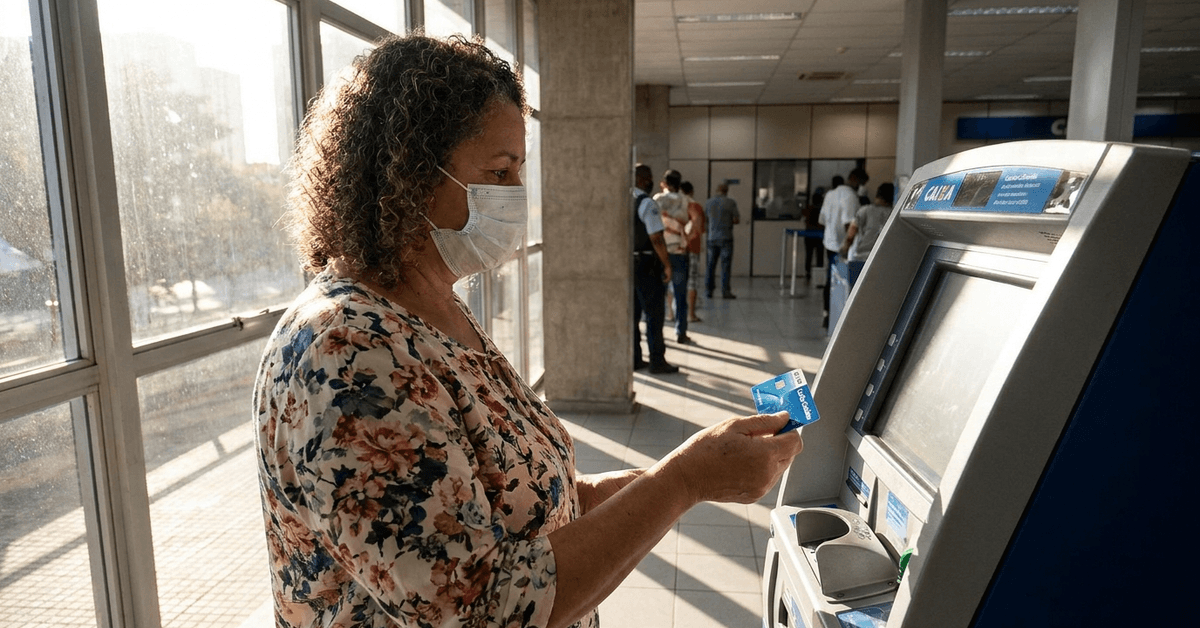
Cash at a Seven Bank or Lawson Bank ATM is the simplest way to fund PayPay without a Japanese card or bank account. Start the ATM top-up in the app, then follow the machine's smartphone prompt.
Foreign-issued credit cards generally fail as a top-up source. PayPay's English launch post names a supported Japanese bank, a Japan-issued card, or a Seven Bank ATM as the funding routes.
PayPay Top-Up Methods Compared
For week one, I'd stick to the Seven Bank or Lawson Bank row, the only option needing nothing more than cash and a phone.
| Top-up method | What you need | eKYC required? | Fit for a new arrival |
|---|---|---|---|
| Seven Bank or Lawson Bank ATM | Yen in cash | No | Works from day one |
| Japanese bank account | Account at a supported bank | Yes, for bank top-ups | After your account opens |
| Japan-issued credit or debit card | An approved Japanese card | No, but limits rise after it | After card approval |
| Foreign-issued credit card | Not accepted | Not applicable | Generally rejected |
How to Link a Japanese Bank Account to PayPay
PayPay connects to roughly 1,000 financial institutions, including regional banks in all 47 prefectures, according to a March 2026 PayPay announcement reported by Payment Navi.
Bank linking fails on small mismatches, so check these before you submit:
- Your name entered exactly as your bank account shows it
- Branch and account numbers copied from your passbook or banking app
- Your eKYC status, since unverified accounts face bank top-up restrictions
A 2026 Catch for New Residence Cards and PayPay Bank
PayPay Bank's English account page says applicants holding a residence card issued on or after June 14, 2026 must mail their ID documents instead of scanning them in-app.
Postal paperwork adds days. New arrivals counting on PayPay Bank for a quick link should apply early, or open the account at another supported bank.
What Happens When You Pay With PayPay at the Register?
A PayPay payment works two ways: the cashier scans your barcode, or you scan the store's QR code and enter the amount. A bright "PayPay!" chime confirms it went through.
Red Screen or Blue Screen?
The red payment screen spends PayPay Balance, and the blue screen charges PayPay Credit tied to a PayPay Card. Glance at the color before tapping anything big.
I like that color split, because the red screen alone allows up to ¥1,000,000 per payment, and one distracted tap can move real money.
What if the Shop's Signal drops?
Small shops and festival stalls sometimes lose connection mid-payment. Keep some yen in your wallet, since a frozen spinner at a takoyaki stand is a very public way to learn this lesson.
How Do You Keep a PayPay Account Safe?
PayPay supports a 6-digit passcode and biometric login, and it sends alerts for transactions and logins. Those alerts only protect you if you read them.
I'd switch on biometrics first, because the 6-digit passcode is the only other gate between a stolen phone and your balance. A few habits cover the rest:
- Install app updates when prompted, since security fixes ship that way
- Check every transaction alert for charges you don't recognize
- Skip public Wi-Fi for top-ups and bank linking
- Finish eKYC, because unverified accounts get slower fraud handling
Where to get help with PayPay setup
The in-app FAQ and the official PayPay website are the first stops for account problems. Phone shops and local banks often have staff familiar with PayPay setup.
Expat forums help decode odd prompts. Never paste your SMS code or ID photos into a chat to get that help.
Questions People Ask About Setting Up PayPay
A few questions keep surfacing for newcomers once the basic setup is done. These answers cover the parts the steps above didn't.
- Q: Can tourists set up PayPay without a Japanese phone number?
Not really, since registration hinges on an SMS sent to a Japanese number. Short-term visitors usually do better with Mobile Suica on Apple Pay, which accepts foreign-issued cards. - Q: Can I use PayPay in South Korea?
Yes, through Overseas Payment Mode, which launched in late September 2025 at Alipay+ merchants. Unverified accounts are restricted from using it in Korea, and local ATM top-ups don't work abroad, so load your balance before the flight. - Q: Can I withdraw PayPay money to a bank account?
Verified users can send PayPay Money to a linked bank account and withdraw it at ATMs nationwide. The withdrawal fee drops to zero if the linked account is at PayPay Bank. - Q: Are PayPay cashback campaigns worth chasing?
Campaigns come and go, and the rewards are usually modest. One recent example gave 100 PayPay points to anyone finishing eKYC for the first time between February 5 and May 31, 2026. Check the app's campaign tab for whatever is running now.
Conclusion
Setting up PayPay in Japan takes one SMS code, while fully unlocking the account depends on eKYC timing. Start the identity check on registration day, especially when your only document is a residence card.
Fund the first few weeks with cash at a Seven Bank or Lawson Bank ATM while review finishes. Once your bank link works, the fun question becomes which Japanese card earns the most points on everyday PayPay spending.