
Many Roblox fans spend hours imagining new worlds and adventures, but acquiring Robux—Roblox’s in-game currency—can be costly.
For anyone curious about budget-friendly methods, there’s a lesser-known, legitimate path: Microsoft Rewards. This educational guide explores how Microsoft Rewards can actually pave the way towards earning Robux over time.
This article is ideal for Roblox enthusiasts, parents, or anyone seeking creative ways to earn Robux without opening their wallet. The benefit? It’s free to participate, safe, and even encourages learning new digital skills along the way.
Understanding Microsoft Rewards and Digital Currency Earning
First, it helps to clarify what Microsoft Rewards is. Microsoft Rewards is a free loyalty program from Microsoft. It allows participants to gain points via web searches, quizzes, and certain shopping activities.
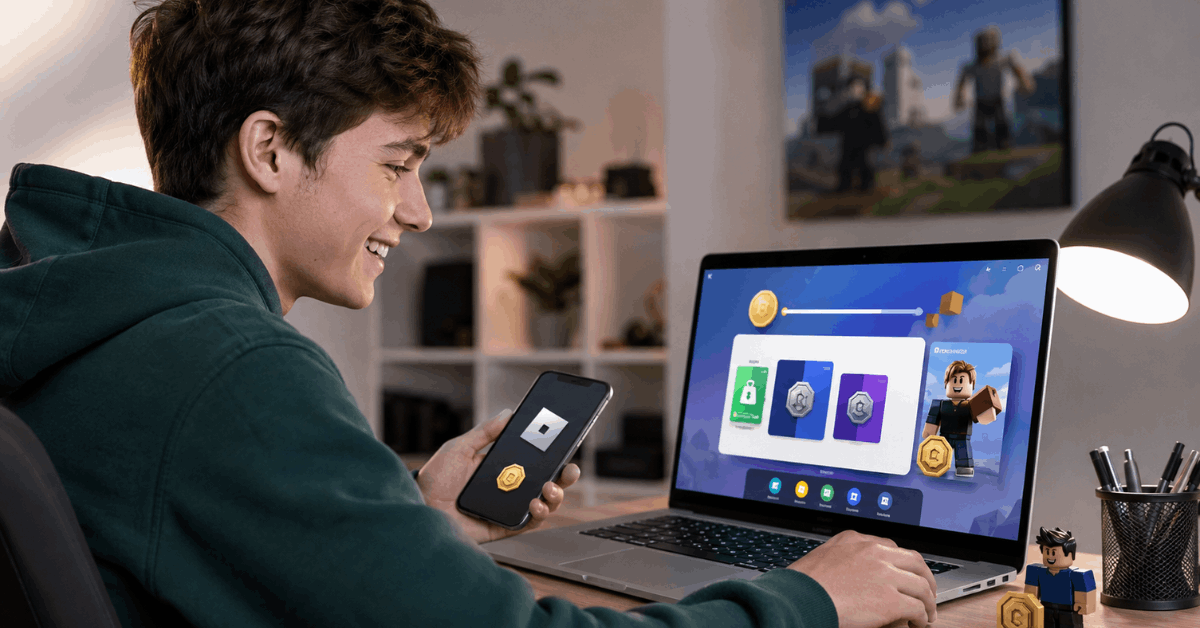
Those points can then be redeemed for a mix of digital items, including gift cards, sweepstakes entries, or even Robux cards —the currency within Roblox.
Essentially, Microsoft Rewards transforms online activity into a modest stream of rewards, with Robux as one attractive option.
How Does Earning via Microsoft Rewards Work?
While monetizing your browsing habits might sound odd at first, it’s worth exploring for anyone who spends regular time online. Microsoft Rewards is available to most users with a Microsoft account and access to supported regions.
It’s possible to earn points by:
- Searching the web with Bing
- Completing daily Microsoft quizzes
- Shopping through Microsoft’s online store
- Engaging with bonus offers or seasonal challenges
Accessibility for Different Users
Anyone aged 13 or older (with parental consent where required) can sign up for Microsoft Rewards. Getting started is straightforward and doesn’t require a credit card or purchase.
Getting Started: Account Set-Up and Region Compatibility
To begin, participants should verify that Microsoft Rewards is available in their country. Not all regions are supported yet, and available rewards, including Robux, sometimes vary by location.
Signing Up for Microsoft Rewards
Those with a Microsoft account can enroll directly by visiting the rewards section on Microsoft’s website. If you don’t already have an account, it’s simple to create one using an existing email address.
Understanding Region Limitations
In some areas, the Robux reward may not be visible. This means users may need to check back periodically, as the options periodically change based on partnerships and local promotions.
How to Earn and Redeem Points for Robux in Practice
Once enrolled, the next step is to accumulate points. Most people will find the following sources useful for steady point earning:
- Daily Bing Searches: Regular searches through Bing often provide the most consistent points.
- Participating in Quizzes: Fun trivia and polls help to keep engagement up while adding to your tally.
- Shopping with Microsoft: Every dollar spent at Microsoft’s online store gives bonus points.
Maximizing Point Yield
Opting into ‘streaks’ by completing daily tasks for consecutive days can sometimes provide bonus points over time. Periodic events also appear that may double point-earning for a short window.
How to Convert Points into Robux?
Once you have gathered enough points, exchanging them for Robux is a straightforward process for most users. But it’s easy to miss steps or wait for special codes to arrive.
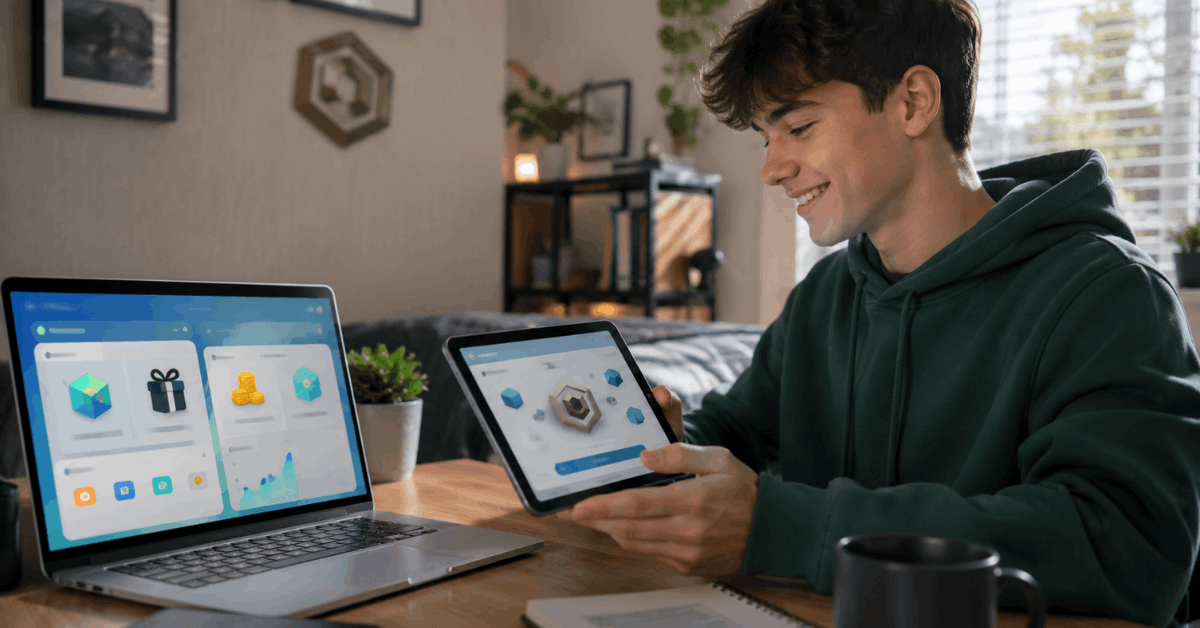
Redemption Walkthrough
- Sign in to your Microsoft Rewards dashboard.
- Look for the ‘Redeem’ tab; scroll for the Robux digital code reward. (If missing, check region availability again.)
- Select the Robux offer. Typically, there are denominations—such as 100, 200, or 400 Robux codes—each with a set points cost.
- Confirm your redemption and wait for the digital code to appear in your account or email.
Redeeming Robux on Roblox
When the code is received, it can be entered at roblox.com/redeem. The credited Robux should display almost instantly in the associated player’s account.
Why Use Microsoft Rewards Instead of Traditional Purchases?
Some might question the point of earning Robux through Microsoft Rewards instead of simply buying the currency. While the process admittedly takes time, it can be seen as a digital allowance for those willing to be patient.
Safe and Legitimate Pathways
Microsoft Rewards has the significant benefit of being an official Microsoft initiative, and earning points through daily internet use is generally safe. There’s minimal risk compared to ‘free Robux’ scams found online.
Accessibility for Teens and Parents
Because Microsoft Rewards encourages parental management and oversight, it may be a practical introduction to digital responsibility for younger users exploring the world of online rewards.
Common Issues and Limitations to Consider
No reward system is perfect. The main concerns heard from users include:
- Robux rewards aren’t always available in every country.
- Point earning can feel slow, especially if daily limits are reached quickly.
- Occasionally, digital code delivery might have a short delay.
This approach won’t offer instant gratification. But for those prepared to view it as a long game, it adds up over weeks or months.
Comparing Microsoft Rewards with Other Robux-Earning Strategies
Parents or gamers with curiosity about other pathways may consider side-by-side comparisons. Surveys or third-party apps sometimes offer points redeemable for gaming currency, but not all are authorized by Roblox or Microsoft.
| Method | Pros | Cons |
|---|---|---|
| Microsoft Rewards | Safe; official support; easy setup | Progress can be slow; region-locked |
| Online Gift Card Surveys | More frequent offers | Varying legitimacy; risk of scams |
| Direct Purchase | Instant access | Costs real money |
Tips for Efficiently Earning Robux with Microsoft Rewards
While everyone’s experience will differ, a few suggestions may help maximize the process:
- Set reminders for daily Bing search streaks
- Opt in to email alerts about double point days or special promotions
- Link family members (where rules permit) for group point-earning
- Avoid sharing personal data outside of official Microsoft and Roblox portals
Safe Browsing and Staying Within Platform Rules
Roblox and Microsoft do not tolerate attempts to game the system. Some tips for remaining compliant and safe include:
- Always use official websites for both Microsoft Rewards and Roblox redemptions
- Avoid third-party ‘boosters’ or questionable browser add-ons
- Read the terms of service on both platforms periodically
Final Thoughts
Microsoft Rewards can be a safe and legitimate way to earn Robux over time without using risky shortcuts or fake generator sites. The process is not instant, but daily Bing searches, quizzes, streaks, and bonus offers can help points build steadily.
Users should always check reward availability by region and redeem Robux codes only through official Microsoft and Roblox pages.
With patience, consistency, and safe account habits, Microsoft Rewards can become a simple extra path for Roblox fans who want Robux without direct spending.